🔎 Find secrets
Secrets live in folders. You see every folder you've been given access to, plus your own personal folder, and you can find a secret by browsing or by filtering on its name, type or folder.
🏠 The dashboard
The dashboard is where you land after signing in. It shows what needs you now:
- requests waiting for your approval and your own requests still pending;
- secrets you have checked out, with the time left on each lease;
- an agent that is waiting on you, when one of your tokens asked for something that needs a yes;
- your most-opened secrets, for quick access.
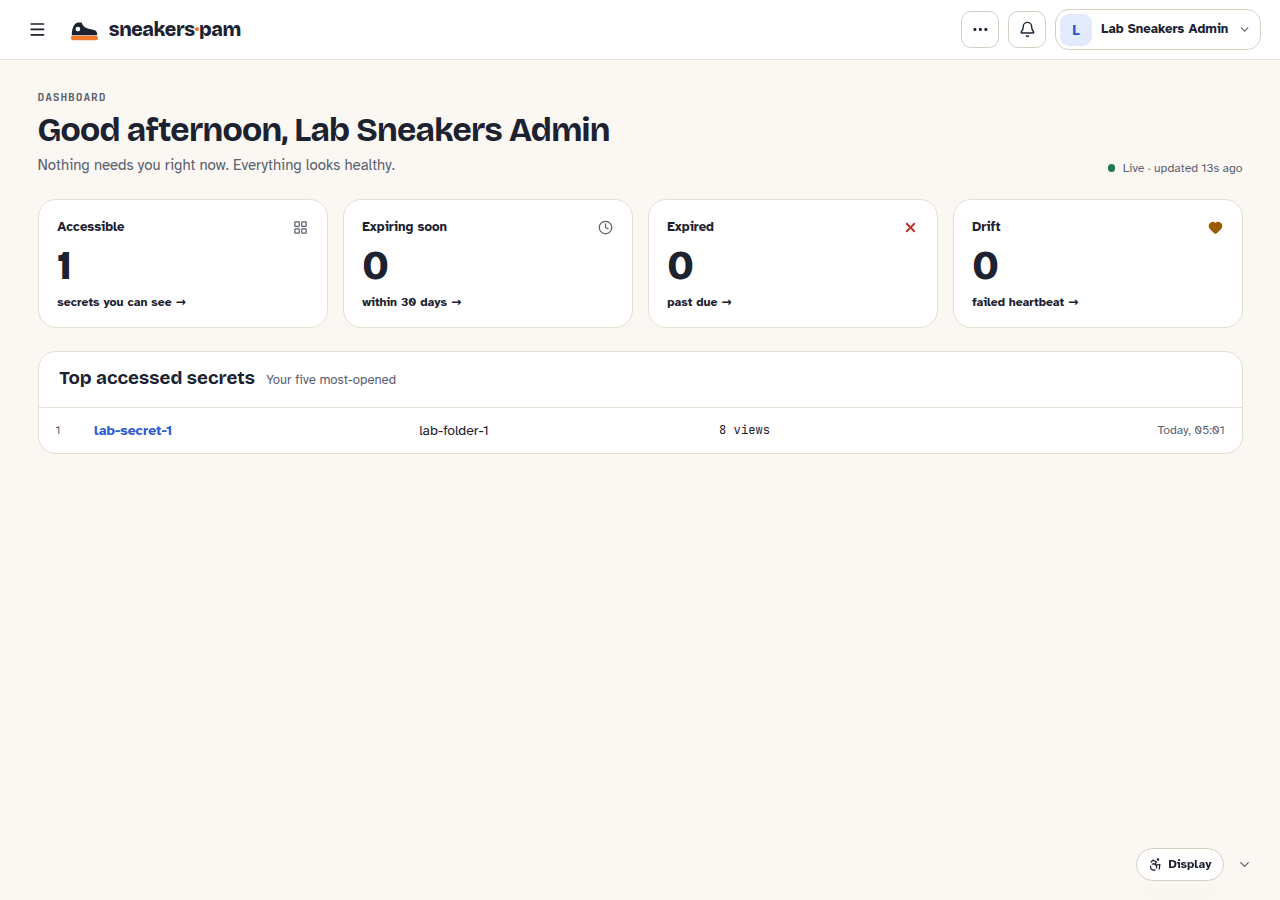
On a new account the dashboard offers four first steps: add a second factor, save your first secret in your personal folder, look around the shared folders, and connect an AI agent. You can skip any of them.
📁 Browse folders
The sidebar lists your folders: open one to see its secrets and subfolders, and work down the tree from there. Folders can be nested; a folder's access rules apply to everything in it unless a subfolder or a secret has its own.
- Your personal folder is private to you. Nobody else sees it in the normal app, not even a site admin. Secrets you make for yourself go here.
- Shared folders are the ones an owner or an admin has shared with you, or with a group you're in.
- A folder you can see but not open says so, with a way back to the dashboard.
🔤 Search and the secrets list
Type a name in the search box in the header to list every matching secret you can see. The dashboard's tiles open the same list filtered by status. On the list, Filter by name, type or folder narrows it further. Values are never in the list: each secret shows its name, type, folder and, for a secret with a target, how its last heartbeat went.
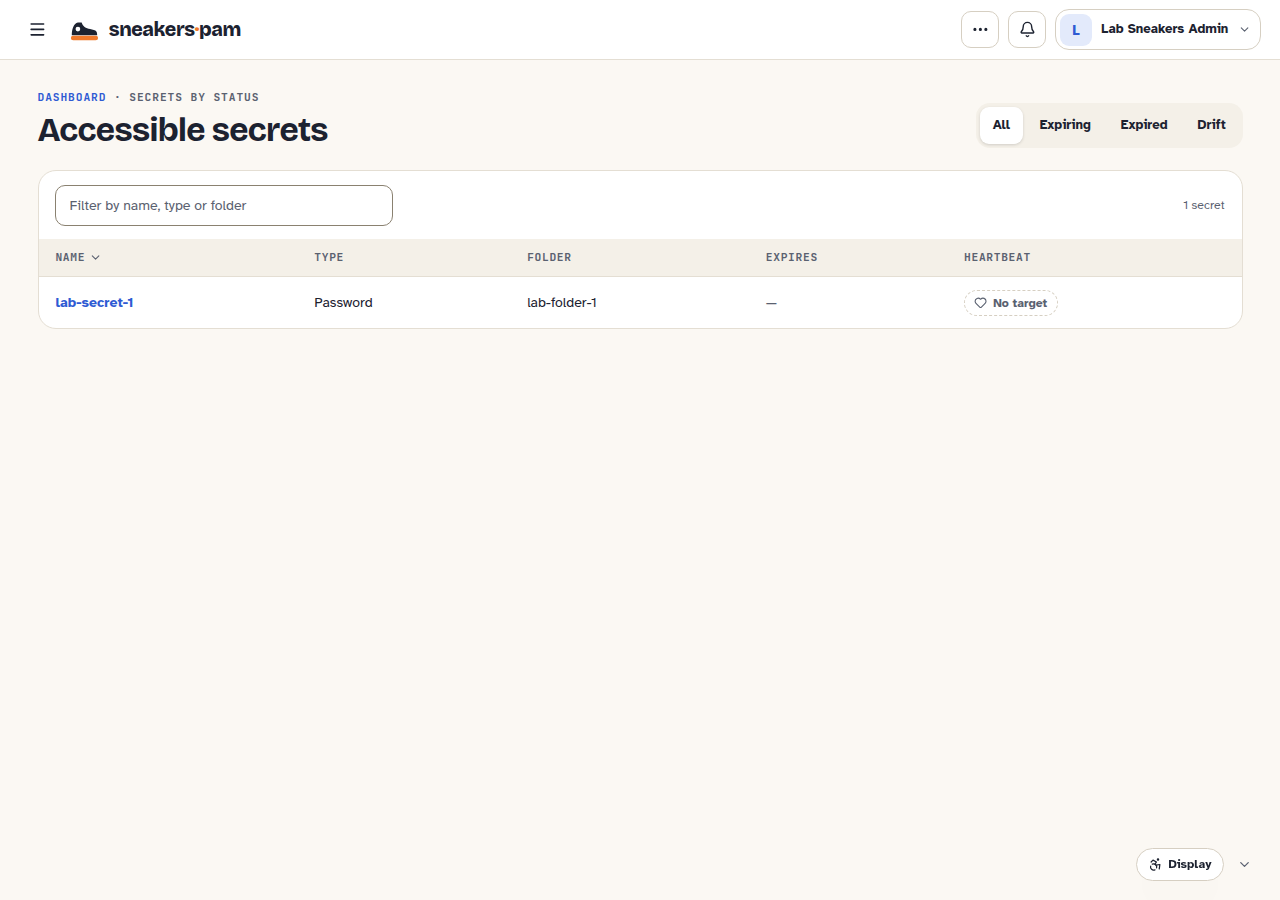
Retired secrets are hidden unless you choose Show retired.
🔒 A secret you can't read
You may see that a secret exists in a folder you can browse without being allowed to read its values. Its row in the folder offers Request access: say why you need it, and someone who can approve for that secret decides (Requests and approvals). Secrets you've been specifically denied, and other people's personal secrets, aren't shown at all.